Best Recipe Apps Compared: CopyCook, ReciMe, Paprika and Samsung Food
An honest comparison of four recipe apps for saving online recipes, importing from social media and planning meals, from the team that makes CopyCook.
There are plenty of recipe apps, and they are not interchangeable. Some are built for saving recipes from websites, some for meal planning, and some for social media videos. This comparison covers four of them: ReciMe, Paprika, Samsung Food and our own app, CopyCook.
A note on bias. We make CopyCook, so we have a stake in this. We have tried to describe each app fairly and to say plainly where CopyCook falls short. Details are based on public app store and review information, current as of October 2026, but features and prices change often, so check each app before you buy.
The quick comparison
| CopyCook | ReciMe | Paprika | Samsung Food | |
|---|---|---|---|---|
| Save recipes from websites | Yes | Yes | Yes | Yes |
| Social media import | Instagram, TikTok and YouTube links (caption, description and comments) | A core feature | Not confirmed | Not confirmed |
| Meal planning | Yes (Pro) | Yes | Yes | Yes |
| Shopping list | Yes | Yes | Yes | Yes |
| Pantry tracking | Yes (Pro) | Not confirmed | Yes | Paid tier |
| Pricing model | Free with Pro subscription | Free tier with paid plan | One-time purchase per platform | Free with paid tier |
| Platforms | Android | iPhone (see the store for others) | Sold separately per platform | iPhone and web (see the store for others) |
"Not confirmed" means we could not verify the feature from public information, not that the app lacks it. Treat the table as a starting point and check each app's current store listing.
ReciMe
ReciMe's main selling point is importing recipes from social media. Its store listings describe saving recipes from Instagram, Pinterest, TikTok and Facebook, plus screenshots and photos of recipes, and building a grocery list from them. The free version limits how many recipes you can save, and a subscription removes the limit.
Good for: people who save most of their recipes from short videos and want the app to do the heavy lifting. Watch out for: the free limits, and the subscription price, which is reported inconsistently across sources, so check the store.
Paprika
Paprika is the long-standing favourite of serious home cooks. It is sold as a one-time purchase on each platform rather than a subscription. It has a browser extension and bookmarklet for saving recipes, grocery lists sorted by aisle, pantry tracking with expiry dates, meal planning, recipe scaling and a cook-mode timer. Your recipes are stored on your device, so they work offline.
Good for: people who dislike subscriptions and want a mature, reliable tool for managing a large collection. Watch out for: you buy it separately for each platform you use, and we could not confirm any social media import.
Samsung Food
Samsung Food (formerly Whisk) is free to use on iPhone and the web, and lets you save recipes from any website, browse a large catalogue of public recipes, plan meals and make shopping lists. A paid tier, Samsung Food+, adds AI-personalised meal plans, recipe customisation and pantry features.
Good for: people who want a big public recipe library and a free planner. Watch out for: some of the more useful features sit behind the paid tier.
CopyCook
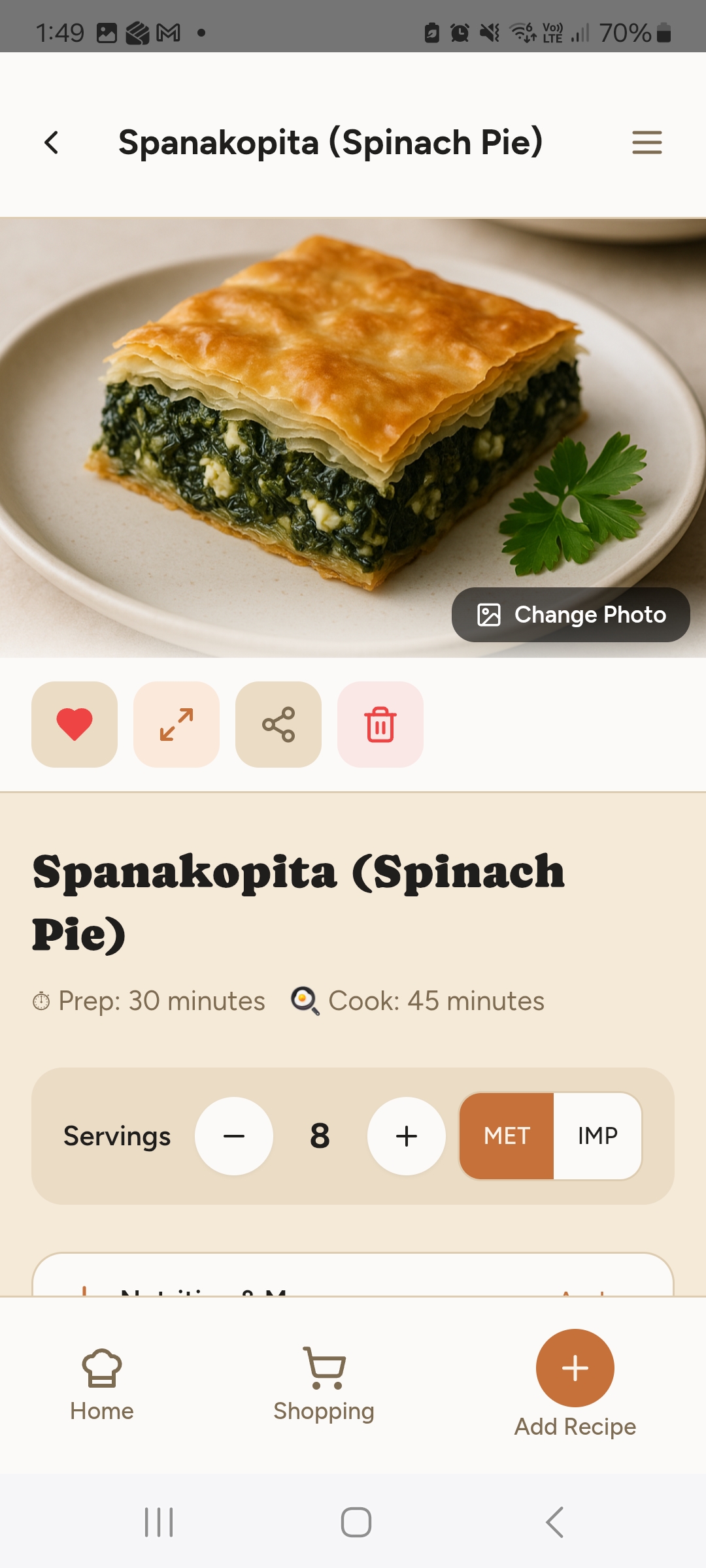
CopyCook turns recipe websites and social posts into clean recipe cards. You can import from a link, a cookbook photo or a screenshot. Cook Mode shows one step at a time with only the ingredients you need. A new themed collection arrives in the Recipe Library every week. You can swap an ingredient for a substitute, scale servings and switch between metric and imperial. The app can also check food products for pesticides and seed oils, and estimate calories and macros from a photo of your plate.
Good for: Android users who want recipe saving, social import, planning and a food-quality checker in one app. Where it falls short:
- It is Android only for now. There is no iPhone version yet.
- Social import reads the written caption, description and comments. It does not transcribe what is said in a video, and Instagram pinned comments need a login, so they cannot be read.
- Some features, including meal planning and the pantry, are part of CopyCook Pro.
- It is newer than Paprika and has a smaller community.
How to choose
- You mostly save recipes from TikTok and Instagram: try ReciMe first, and test the free tier with your own favourite creators.
- You want to pay once and own it: Paprika.
- You want a large free library and a free meal planner: Samsung Food.
- You are on Android and want one app for saving, planning and checking what you buy: CopyCook.
Whichever you choose, run a test before you commit: import five recipes you actually cook. How cleanly an app handles your real recipes tells you more than any feature list.
For tips that work in any app, see our guides on saving recipes from TikTok, Instagram and YouTube and saving recipes from websites without the clutter.
Common questions
What is the best app for saving recipes from the internet?
Any of the four apps here can save recipes from websites. The better question is what else you want: social media import, a one-off purchase instead of a subscription, a built-in meal planner, or a big recipe library to browse.
Do I need to pay for a recipe app?
Not always. Free tiers are enough for casual use, but they often limit the number of saved recipes or hide features such as social import and meal planning. Prices and limits change often, so check the app store before you commit.
Which recipe app is best for TikTok and Instagram recipes?
ReciMe is built around social media import and handles video content well. CopyCook reads the caption, description and, on YouTube, the pinned comment, but it does not transcribe video audio.
Is CopyCook available on iPhone?
Not yet. CopyCook is currently on Google Play for Android.
Your recipes, pantry and macros in one place
- Import any recipe from a link or a photo of a cookbook page
- Browse a new themed Recipe Library every week
- Cook Mode shows one step at a time, with only the ingredients you need
- Check products for pesticides and seed oils before they reach your trolley
- Snap your plate to estimate calories and macros